

Search “quiz” in the Shopify App Store and you get dozens of listings that look nearly identical: a screenshot of a skincare quiz, a star rating that looks like everyone else’s, and a promise about conversion. The differences that actually decide whether a quiz works for your store, how the results page is built, whether publishing takes one click or a trip into the Theme Editor, how the recommendation logic handles a big catalog, don’t show up on a listing page.
This guide covers seven apps that come up most often when Shopify merchants shortlist quiz platforms. It is not a ranking. A free builder aimed at a first quiz and a done-for-you platform for a regulated catalog aren’t competing for the same store, and declaring one the “winner” tells you nothing about which fits yours. Each app gets the same analysis of what it does well, and what it doesn’t.
We’re getting in the weeds, but quizzes earn that detailed evaluation time. Interact’s conversion benchmark report, built on more than 80 million leads, puts the average start-to-lead conversion rate at 40.1%, with about two-thirds of people who start a quiz finishing it. Those figures measure people who already clicked start, so they aren’t comparable to cold landing page rates, but they show why a quiz remains one of the few ways to collect customer data people hand over willingly.
After building test quizzes across these platforms, the real differences cluster in four places. The listing screenshots won’t tell you about any of them.
These are presented in no particular order, because ultimately it comes down to where your store is at in your ecommerce journey to determine which one is going to be right for you.
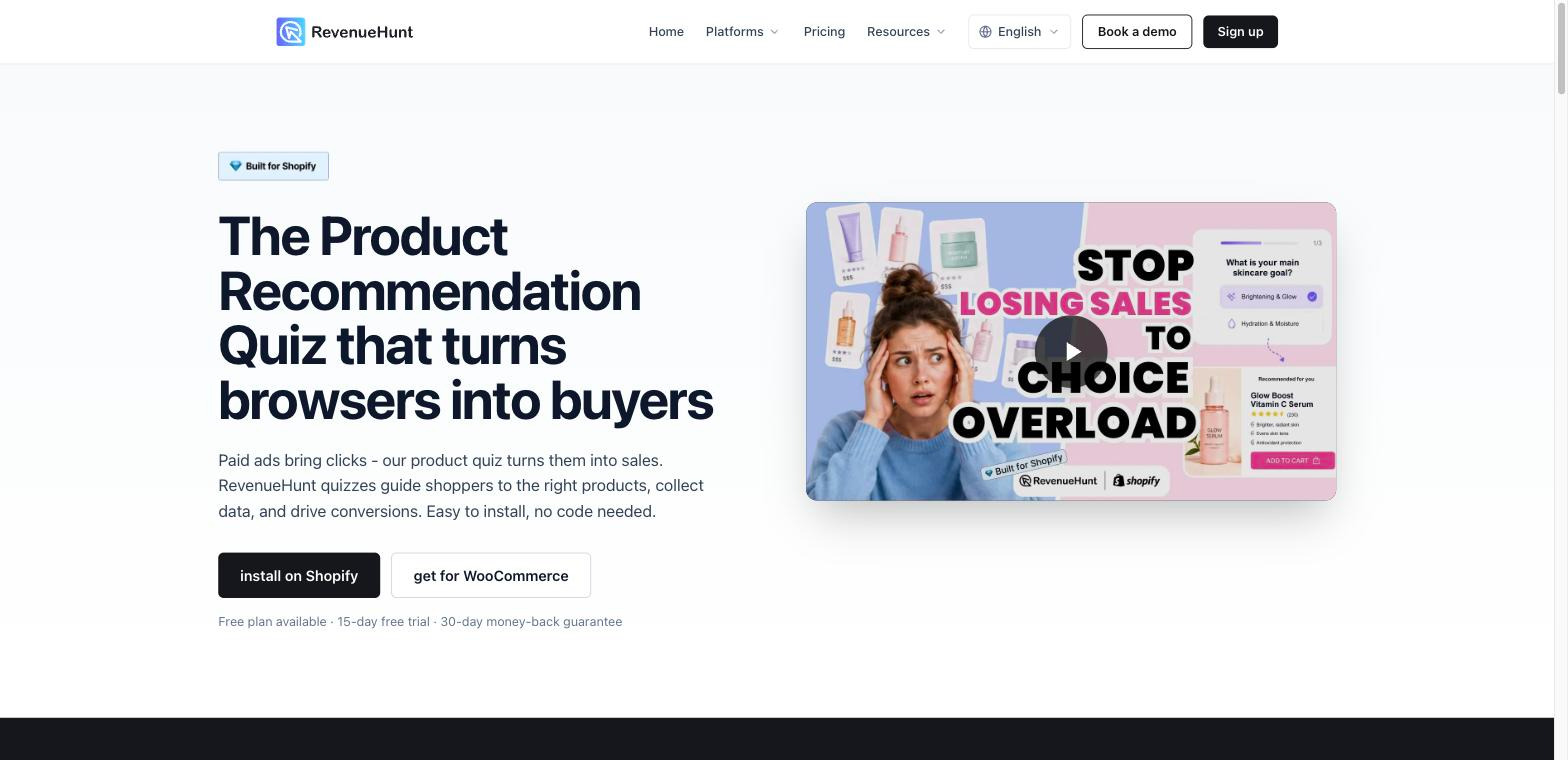
RevenueHunt (the Shop Quiz app) is one of the longer-established names in the category. The builder is clean and low-friction, which helps a first-timer, and the AI copilot reads the current quiz state, and points you to the next step. Setup runs on a progress bar with checkmarks, and a separate success checklist with required and optional badges gives a reason to come back after launch. The logic canvas has a fit-to-screen control that handles the tiny-nodes problem most builders share.
A free plan covers 100 responses a month, then paid tiers run $39, $99, and $199 per month with a 15-day trial. Pricing is published in full on their pricing page.
Good for:
Not good for:
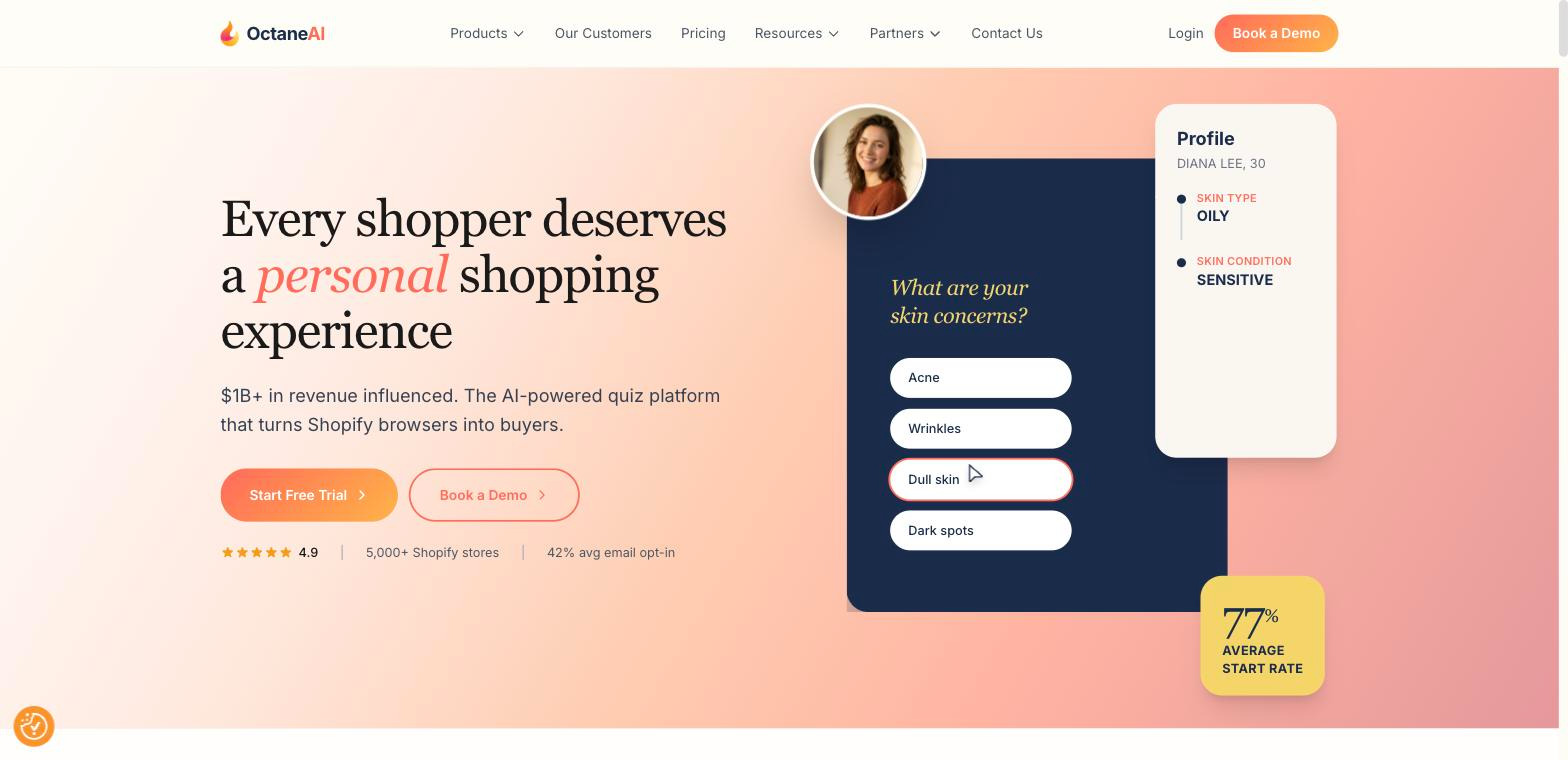
Octane AI is the enterprise-oriented option in the category. Its clearest advantage is publishing: Octane installs the quiz automatically through its Shopping Assistant popup with no Theme Editor step, which most apps here still require. It also has an Image Analyzer that reads customer-uploaded photos for things like shade matching, which the other tools don’t do, along with six question types, four page types, SMS opt-in, scoring, and custom properties per answer that feed segmentation into integrations.
Pricing is credit-based. Plans start at $50 per month with per-response charges layered on, which makes the monthly total harder to predict than a flat fee.
Good for:
Not good for:
Sensez starts from a different premise: the hard part of a quiz isn’t the builder, it’s the strategy and the selling page at the end. While every other app on this list pours its effort into the quiz flow, Sensez treats the results page as the product. Instead of a flat list, results assemble dynamically from a pre-built tag system into real merchandising: grouped products, bundles, subscription boxes, and a dedicated marketing category, with up to 30 category blocks and no product cap (it handles hundreds of SKUs where Quiz Kit stops at 100 and Lantern at 30).
The quiz logic itself is written by psychologists and ecommerce strategists rather than generated from your product list, so the questions include the marketing and data-collection angles that AI builders skip. Answers pass to Klaviyo as zero-party data through a one-click integration.
Merchants can build it themselves in the drag-and-drop editor, or hand the whole thing to the Concierge team, including done-for-you quiz logic, full catalog mapping, and ongoing optimization after launch, which no competitor here offers.
Its clearest edge is restricted and regulated niches: Sensez ships compliance-safe language templates that pass Meta and TikTok moderation, and reports 80-plus quizzes built for regulated categories without ad-account bans. In one adult wellness case, switching to quiz-led campaigns dropped CAC from $68 to $24 because the quiz gave the brand ad creative that actually clears review.
Good for:
Not good for:
A quiz that ends in a flat, one-product-per-screen list is a slower way to lose the sale. The results page is where the shopper decides.
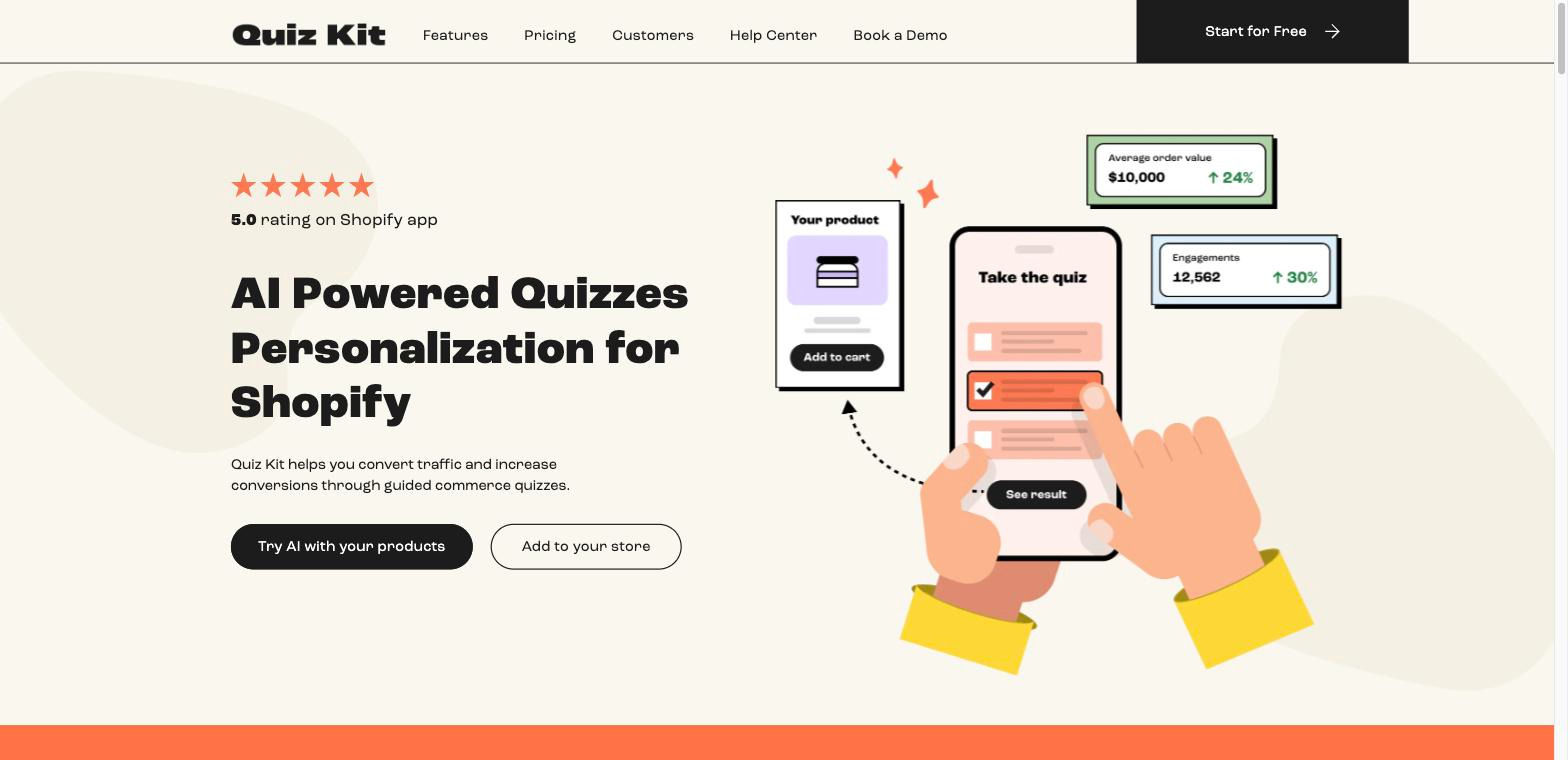
Quiz Kit (by Presidio) is built around AI. Its AI builder produces a question flow from your catalog, and its AI Shopping Assistant (Copilot) offers three placement options, clickable prompts, in-chat email capture, one-click product sync, and a conversation log. It also includes in-builder video tutorials that show the exact screen you’re on. Publishing uses an on/off slider that drops the quiz onto its own URL as a standalone page you can point ads at, analytics cover 12 data blocks including cart-abandonment and per-question answer frequency, and there’s A/B quiz testing plus a categorized integrations list.
Pricing has no true free tier (free is limited to development stores), with the Scale plan at $59 per month and a 10-day trial that sets your tier by usage.
Good for:
Not good for:
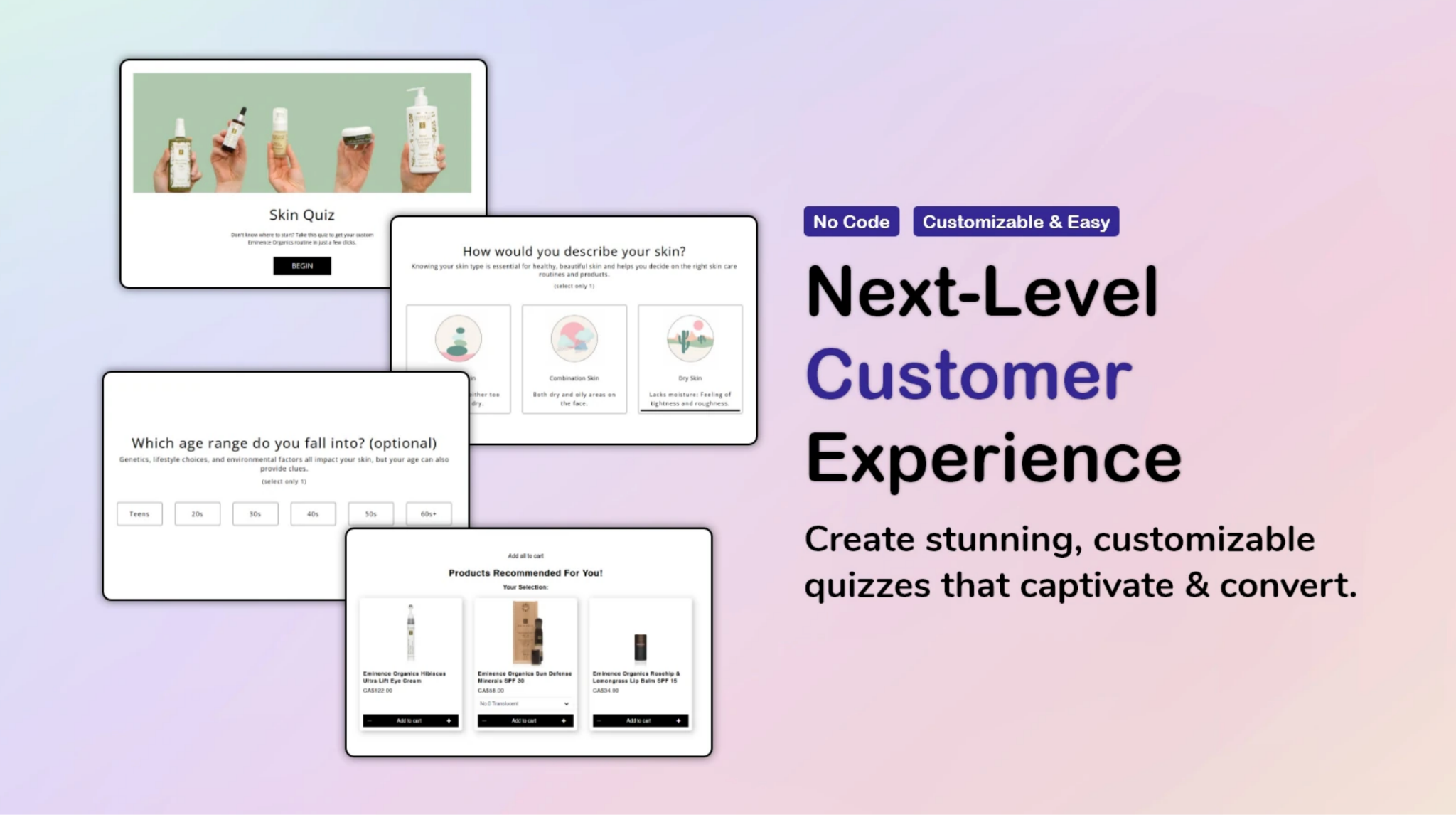
Quizify sits at the budget end of the market. Its home page uses top navigation and a card menu, which is easier to move around than some of the other tools. The quiz editor is visual, you see every question, its type, and its answer count at once, and it offers three results modes (products attached to an answer, to a numeric rank, or a separate results page) plus a product randomizer so returning users don’t see an identical order. Two things are specific to Quizify: quiz language settings for the template text, and a Shopify Customers integration that lets you see which answers a given customer gave, in your store, for retargeting.
Pricing is the lowest on this list: a free plan, then $9.99, $29.99, and $49.99 per month tiers.
Good for:
Not good for:
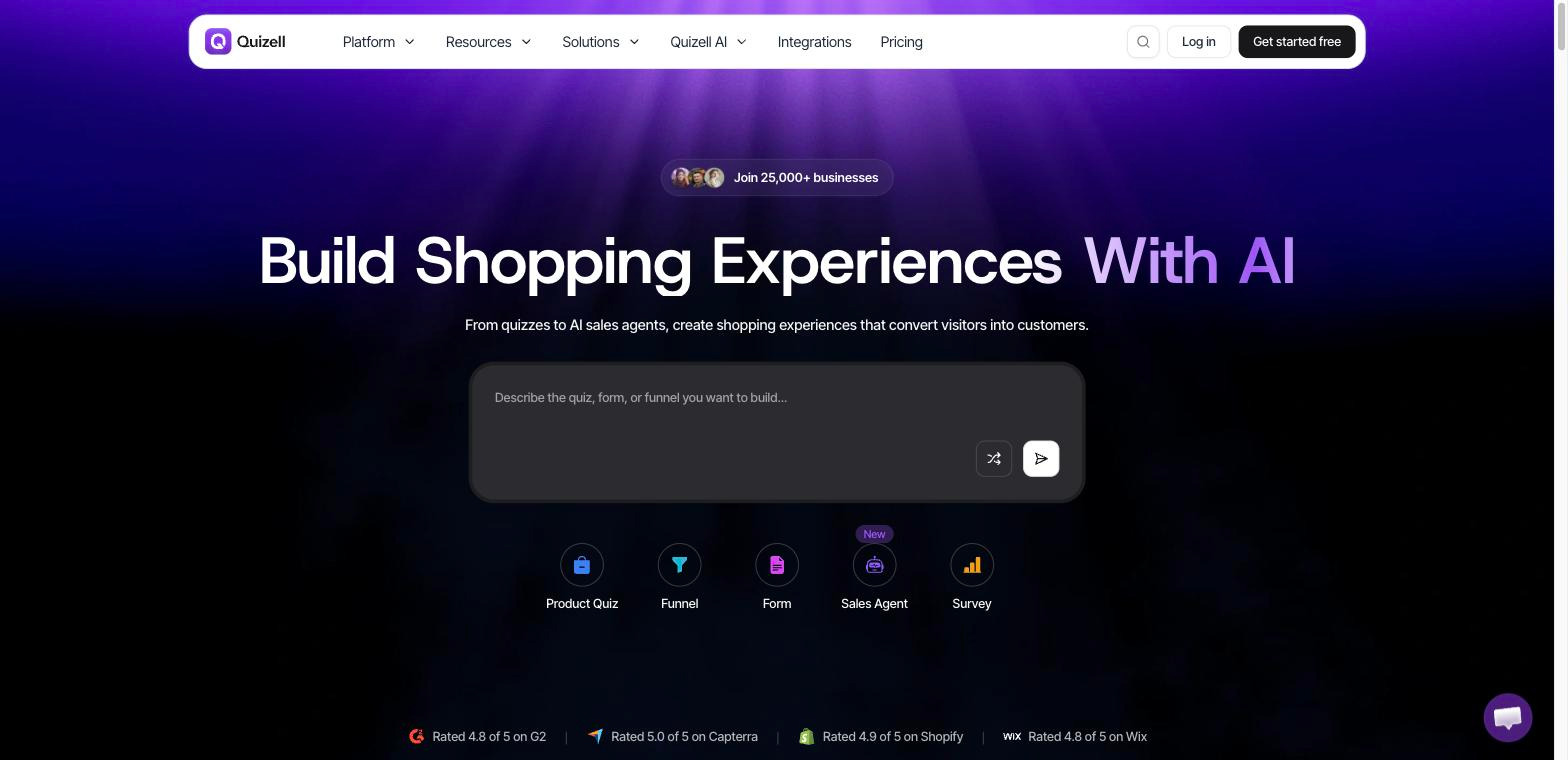
Quizell runs outside Shopify Admin as its own SaaS, which gives it more layout freedom than the plugin-based tools. Its block/canvas editor lets you assemble a quiz like a landing page, background and dynamic images, video, AI and dynamic text, star/scale/slider ratings, OTP verification. Two of its features don’t show up in the other tools: “Scan Your Website,” which reads your store URL and generates a quiz theme matching your brand, and Product Match, a table of question to answer options to number of linked products that makes logic gaps visible. It also has an AI tab that reviews the current quiz and suggests fixes (“add email capture before results,” “add a welcome page with a value prop”), and it connects to a wide set of integrations.
Pricing includes a free plan and 14-day trials on paid plans, with paid tiers starting around $30 per month.
Good for:
Not good for:
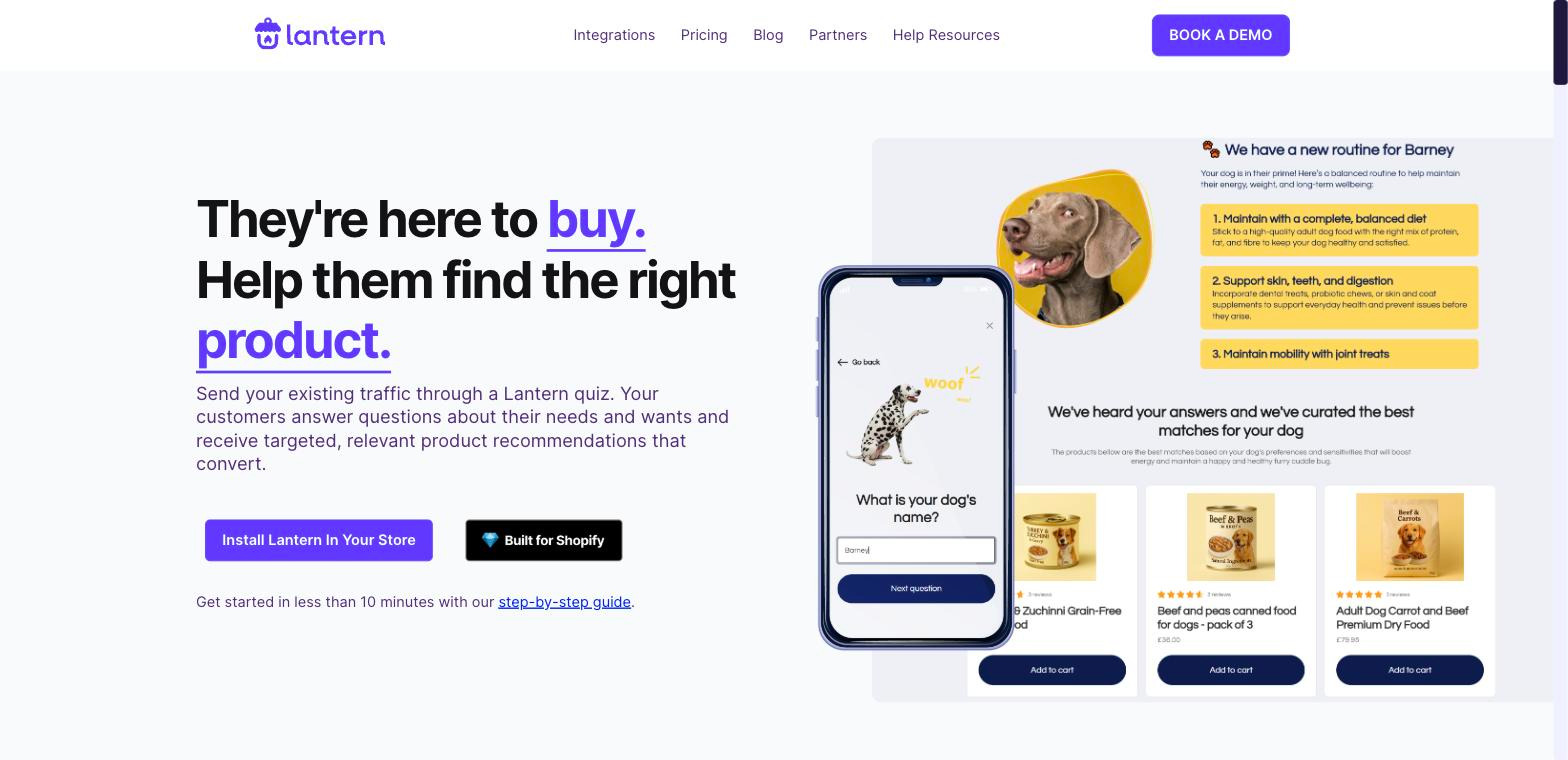
Lantern carries Shopify’s Built for Shopify badge, and its onboarding is pretty polished for a Shopify App. It has a large template library (11 themes, each with a described design character and a preview), and it wires Zapier workflows directly into the builder, so you can connect Shopify apps without code.
Pricing starts at $39 per month on a usage-based model with a free trial.
Good for:
Not good for:
Match your store to the scenario you’re currently living in. Just looking at at feature list isn’t going to help you pick a platform
Which of these best describes your store?
Whatever you shortlist, run the trial with your real catalog and your real traffic. Measure completion rate and revenue per quiz starter, not installs or how the demo looks. A quiz that looks beautiful and ends in a flat list of the wrong products is just a slower way to lose the sale.
Measure completion rate and revenue per quiz starter, not installs or how the demo looks.
Whether you’re in a restricted category, selling bundles and subscriptions, or just want quiz logic built by people who do this for a living, see how Sensez approaches quiz strategy.